 F12 Labs
Shopify's 25 automatic discount limit: what counts and how to run more offers
Shopify allows 25 active automatic discounts per store, counting app discounts, and 5 product or order codes plus 1 shipping code per order. What counts toward the limit, why stores hit it, and four ways to fit more promotions under it.
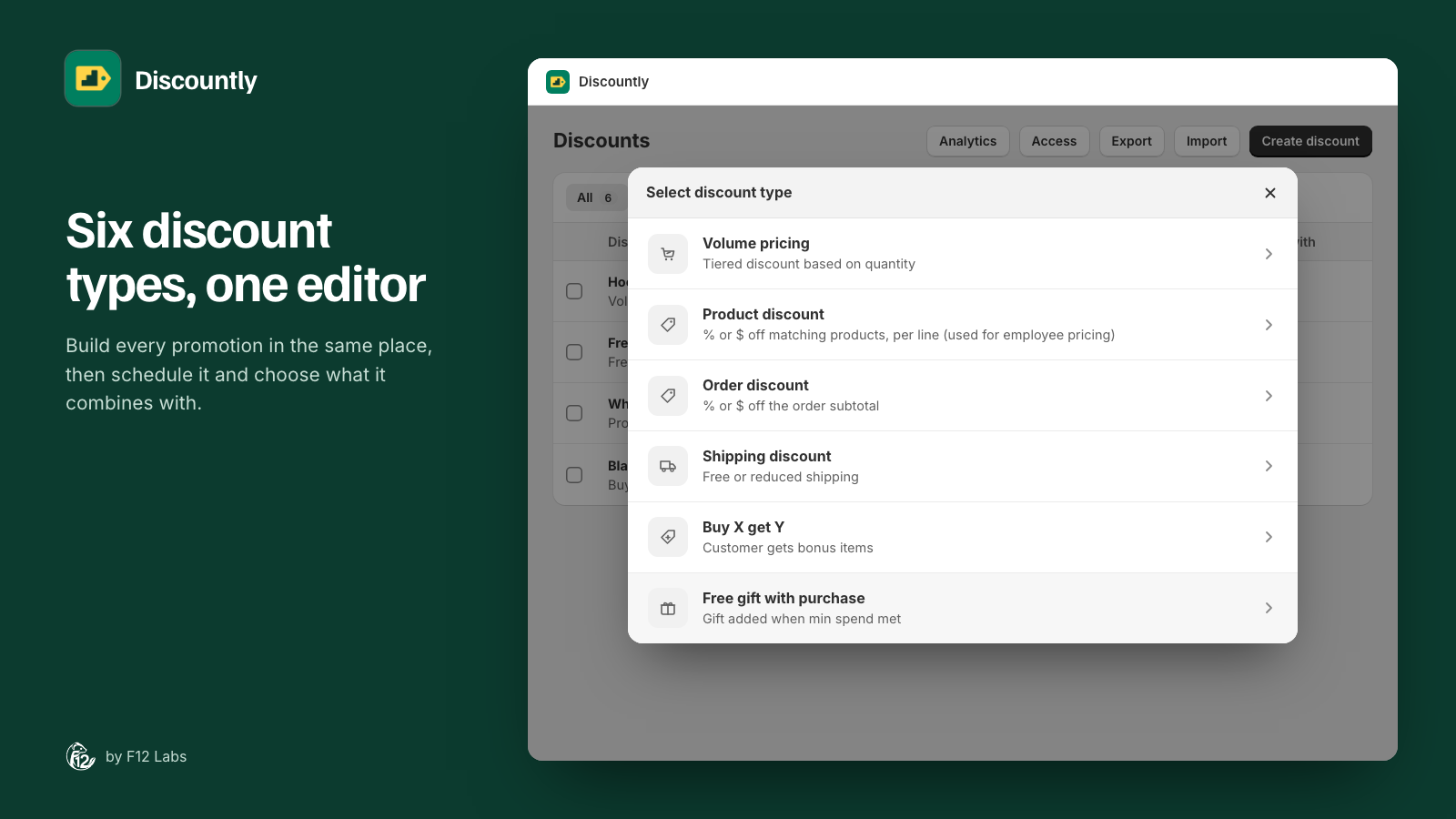
It's the week before a big sale. You've set up tier pricing on three collections, a free gift over $75, staff pricing, a wholesale discount, free shipping over $50 and a dozen product promotions. The next automatic discount won't go live.
Shopify caps how many automatic discounts a store can run at once. Most stores never notice. Stores that run lots of small, always-on offers hit it, usually at the worst moment. Here's what the limit is, what counts, and how to fit more under it.
The limits
Shopify lists them on its discount combinations page (Combining discounts: limitations):
- 25 active automatic discounts per store. "You can have a maximum of 25 active automatic discounts. This total includes app-based discounts."
- Up to 25 automatic discounts on one order, the same 25.
- Codes per order: "Customers can use a maximum of 5 product or order discount codes and one shipping discount code on the same order."
For apps built on Shopify's discount functions there's one more, aimed at developers: "You can activate a maximum of 25 discount functions on each store" (Shopify: discount function API).
What counts toward the 25
- Active automatic discounts, whether made in Shopify's Discounts page or by an app. Every app that adds automatic discounts, from tiered pricing to free gifts to "spend $X get Y", adds to the same count.
- Not discount codes. The cap is on automatic discounts. A code only applies when a customer enters it.
- Not deactivated ones. Deactivating frees the slot.
Shopify's help doesn't say whether a scheduled automatic discount (saved, not started yet) holds a slot, so plan as if it does when you schedule a sale ahead.
Why stores hit it
The usual pattern is one discount per offer:
- One tier discount per collection ("hoodies 10% off at 4+", "T-shirts 15% off at 3+").
- One discount per customer group (staff, wholesale, VIP).
- Separate free shipping, free gift and Buy X get Y offers.
- Old promotions left active "just in case".
Each is its own automatic discount, and each takes a slot.
Four ways to fit more under it
1. Clean up first. In Shopify's Discounts page, add filters for Status and Method to see the active automatic ones (Managing discounts). Deactivate anything finished. You can deactivate several at once with a bulk action. Check other apps too: their discounts are in the same list.
2. Put several offers in one discount. A discount app can give different offers to different products from one automatic discount: 10% off hoodies and 15% off T-shirts, or staff pricing that's 30% off apparel and 10% off electronics. That's one slot instead of several. The trade-off is that they share one schedule, one group of customers and one set of combination settings.
3. Use codes for one-off campaigns. Email and influencer offers that only some customers should get don't need to be automatic. A code doesn't take an automatic slot.
4. Limit by customer instead of making copies. Instead of one "staff" discount and one "VIP" discount with the same products, check whether one discount with customer eligibility (tags, segments) covers both. If the percentages differ, they still need separate discounts.
How Discountly does it
Discountly puts each offer in a logic block, and a discount can hold several blocks. Each live Discountly discount is one automatic discount in Shopify, however many blocks it has. Where two blocks discount the same item, the larger discount wins.
- Staff pricing by department is one discount with a block per department. See Logic blocks.
- Tier pricing on several collections can be one volume discount, each block with its own tiers and products.
- Who gets it is set once per discount: tags, logged-in customers, specific customers or segments. See Customer eligibility.
Discountly's own plan limit (5 live discounts on Free, 20 on Starter, none on Pro) counts discounts the same way, so blocks save those slots too. Drafts don't count, so you can build next month's sale now and activate it when the old one ends. See Plans and limits.
If Shopify refuses a new discount because the store is at 25, Discountly doesn't save it half-way: the banner shows Shopify's reason and the discount stays as it was.
Before you rely on it
- Blocks share everything but the offer and products. Title, schedule, minimum, eligibility and combinations belong to the whole discount. Offers that need a different end date need their own discount.
- Only the best block per item applies. If you want two offers to add up on the same item, they have to be two discounts, set to combine.
- Other apps still count. Discountly can only reduce its own share of the 25.
Shopify behavior checked on 5 November 2026 against Shopify's help center and developer docs: Combining discounts: limitations, Managing discounts and discount function API. If Shopify changes the limit, we'll update this post.