 F12 Labs
Employee and VIP pricing on Shopify with customer tags
How to give staff, VIPs or members their own prices on Shopify. What native customer segments can do, where they stop (tiers, gifts, product page prices), and how to price by customer tag instead.
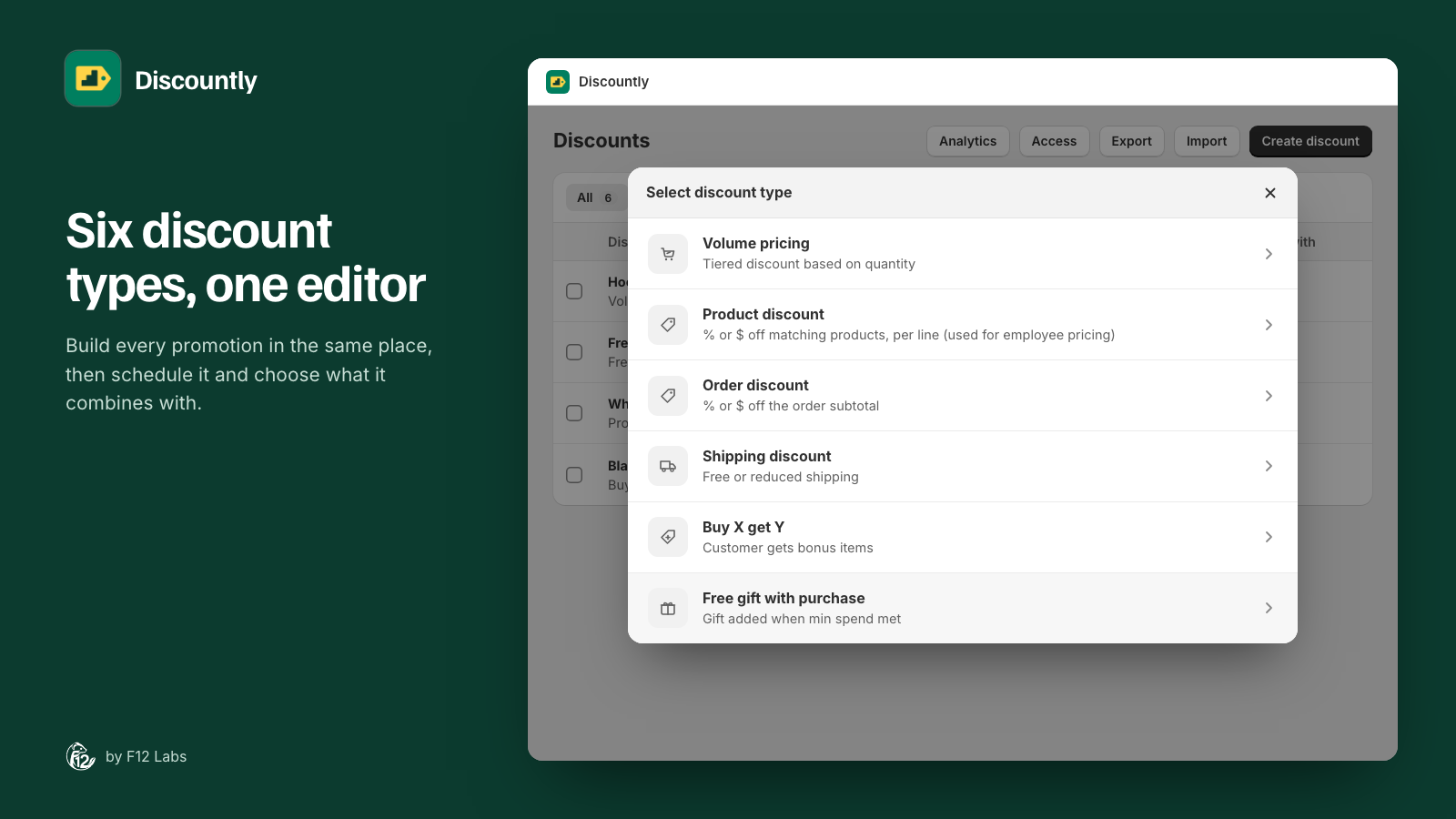
Most stores have shoppers who should pay less than everyone else: staff, VIPs, members of a loyalty club, teachers, a partner's employees. The usual way to mark them in Shopify is a customer tag: staff, vip, member.
The question is how to turn that tag into a price. Shopify can do part of it on its own. Here's what works natively, where it stops, and how to price by tag directly.
What Shopify offers: discounts for a customer segment
Shopify's Amount off products and Amount off order discounts have an Eligibility setting with four choices: all customers, specific customers, customer segments, and markets. It works for both discount codes and automatic discounts.
A customer segment is a saved filter on your customers, and it can filter by tag. Shopify's segment editor has a customer_tags CONTAINS filter, so a segment of your staff is one line:
customer_tags CONTAINS 'staff'
Shopify adds customers to a segment, and removes them, as they start or stop matching the filter.
So for one flat discount for one group, such as 30% off everything for staff, native Shopify is enough:
- In Customers → Segments, create a segment with
customer_tags CONTAINS 'staff'. - In Discounts, create an Amount off products automatic discount for 30%.
- Under Eligibility, choose Customer segments and pick your staff segment.
If that's all you need, you don't need an app.
Where it stops
Tiered prices for a group. A VIP volume price ("VIPs: 15% off at 3, 25% off at 6") needs one discount per tier, and combinations set so the tiers don't stack. Shopify's built-in quantity price breaks are for B2B companies and their catalogs, not tagged retail customers. We covered this in tiered pricing without B2B.
Gifts and bundles for a group. A free gift for members, or a buy 2 get 1 for VIPs, means one more discount per group to build and keep in step.
The product page. Your theme's product page shows the product's price. An automatic discount appears in the cart and at checkout, so a staff member browsing the store sees the full price until they add the item.
Knowing when it updates. Shopify doesn't say how quickly a newly tagged customer joins a segment. When you tag a new hire, test their discount before telling them it's ready.
Several groups. Staff, VIPs and members each need their own segment and their own set of discounts. With tiers or gifts on top, the number of discounts grows quickly, and so does the work of checking that they combine the way you mean.
Option 2: Price by tag, in the discount itself
An app built on Shopify Functions can read the customer's tags at checkout and apply the discount itself. There's no segment in between: the tag is the rule. Before you choose one, check:
- Every discount type can be limited to a tag, not only a flat percentage: tiers, gifts, buy X get Y, shipping.
- Any or all tags. "Staff or contractor" and "VIP and member" are different rules.
- The product page respects it. Shoppers with the tag see their price or their offer there, and others don't.
- Prices are calculated by Shopify, through Shopify Functions, not by changing product prices or sending shoppers through draft orders.
How Discountly does it
Every Discountly discount has an Eligibility setting:
- All customers
- Logged-in customers: anyone signed in to their account.
- Customers with tags: Any of these tags or All of these tags, up to 25 tags.
- Specific customers: up to 100.
- Customer segments: up to 100, if you already use segments.
Tags and the logged-in check are applied by Discountly's Function at checkout, from the tags on the customer's account, so a newly tagged customer qualifies on their next visit. It works on all six discount types, including volume tiers and free gifts, and eligibility is on every plan, Free included.
On the product page, Discountly's Volume pricing table and Available offers blocks show a discount only to shoppers who qualify. Guests and untagged customers don't see a staff tier they can't use.
Setting up staff pricing:
- Tag your staff's customer accounts
staffin Customers. - In Discountly, click Create discount and choose Product discount.
- Give it a title, such as "Staff pricing". Staff see it in the cart and at checkout.
- Under Discount logic, set 30% off. Under Who it applies to, keep all products, or exclude products such as gift cards with Exclude products where any of these match.
- Under Eligibility, choose Customers with tags and enter
staff. - Under Combinations, decide whether staff pricing stacks with your other discounts.
- Click Save rule.
For VIP tiers, create a Volume pricing discount the same way and choose Customers with tags → vip. The getting started guide walks through a first discount, and Product discounts covers every setting of the staff pricing example.
Before you launch group pricing
- Customers have to be signed in. A tag lives on a customer account, so a guest checkout can't qualify. Tell staff and VIPs to sign in before they shop.
- Decide on sale items. A 30% staff discount on an item already 40% off may be more than you meant. Set Items already on sale per discount.
- Decide on stacking. Should a VIP also get this week's sitewide sale? Choose it in each discount's combinations.
- Remove tags when people leave. The tag is the permission. Make untagging part of your offboarding.
- Test with a real account. Tag a test customer, sign in on a phone, and check the product page, the cart and checkout. Then remove the tag and check that the discount goes away.
Shopify behavior checked on 14 October 2026 against Shopify's help center: Amount off discounts, Shopify segments and Customer segment filters. Shopify adds features regularly; if native discounts gain tag-based eligibility, we'll update this post.