 F12 Labs
 Bundles Pro
 documentation / Manage bundles
Bundle analytics
The Bundles Pro Analytics page explained. Bundle revenue, bundles sold, orders with bundles and revenue per order; the daily chart and the per-bundle table; how sales are recorded and imported; and why the numbers can differ from Shopify's reports.
Analytics shows how your Bundles Pro bundles sell: how much revenue they bring in, how many were sold, and which bundles sell best. It's on every plan, including Free, and there's nothing to set up.
Open Analytics
In Bundles Pro, click Analytics in the app menu. The Bundles page also shows the last 30 days at the top, with a View analytics link. That summary appears once you have at least one bundle.
Pick a range with the menu at the top right: Last 7 days, Last 30 days (the default) or Last 90 days.
The numbers
| Tile | What it counts |
|---|---|
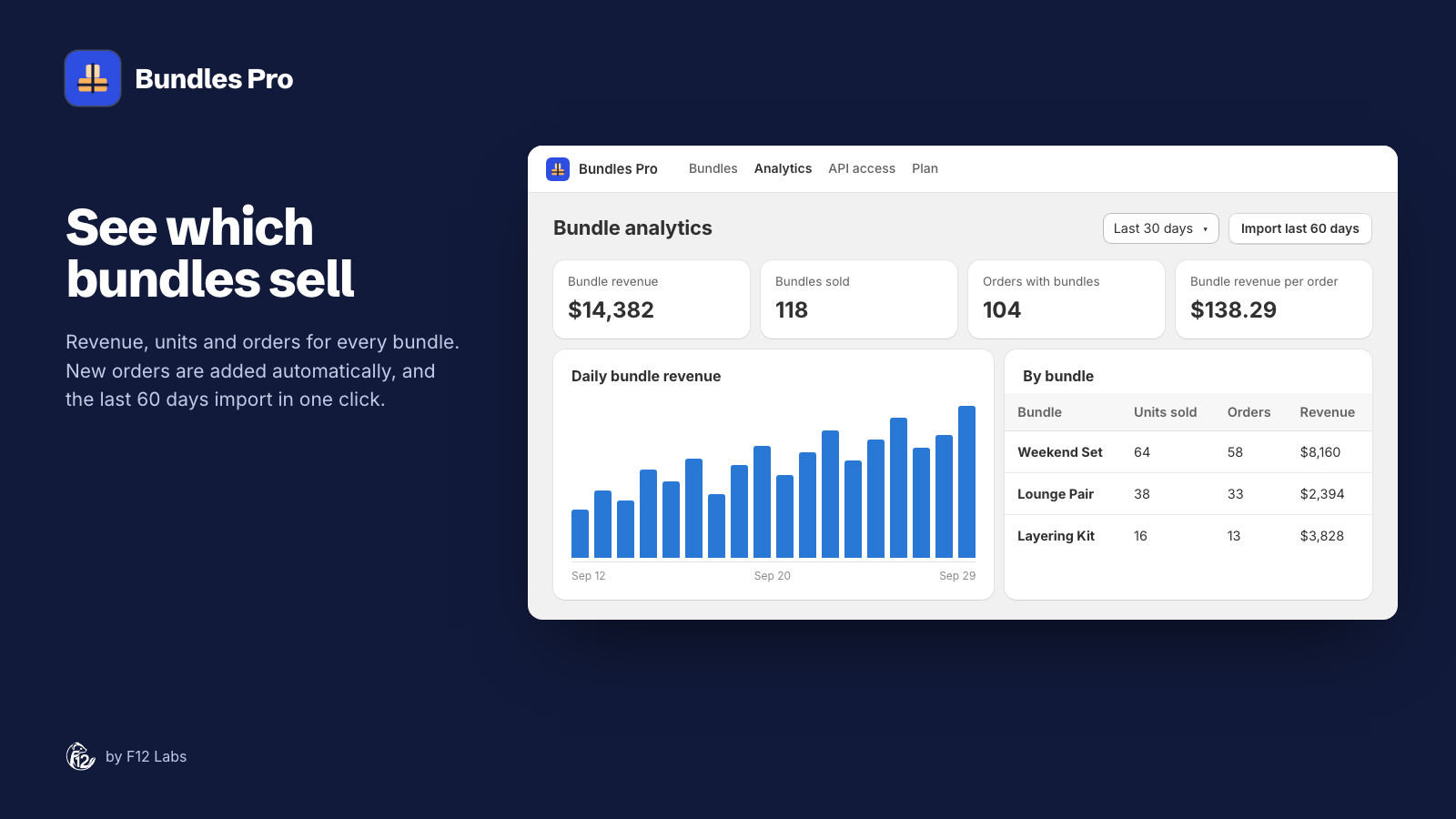
| Bundle revenue | What shoppers paid for Bundles Pro bundles in the range. See What counts as revenue |
| Bundles sold | How many bundles were sold. Two Weekend Sets on one order count as 2 |
| Orders with bundles | How many orders had at least one Bundles Pro bundle |
| Bundle revenue per order | Bundle revenue divided by orders with bundles. It's the bundle part of those orders, not the whole order |
On the Bundles page, the fourth tile is Top bundle instead: the bundle with the most revenue in the last 30 days.
Daily bundle revenue is a column for each day in the range. Hover over a column for that day's revenue.
By bundle lists every bundle that sold in the range, highest revenue first, with Units sold, Orders and Revenue. Click a bundle's name to open it in Bundles Pro.
How sales are recorded
When an order is placed, Shopify tells Bundles Pro, and Bundles Pro records any of its bundles on the order. Opening Bundles or Analytics also checks the last 3 days of orders again (at most every 10 minutes), so an order Bundles Pro missed shows up on its own.
Only bundles made or managed by Bundles Pro count. Bundles from the Shopify Bundles app or another bundle app aren't included.
Import older orders
Bundles Pro starts recording when you install it. To bring in earlier sales, click Import last 60 days. When it's done, a message says how many orders it checked and how many bundle sales it found, for example "Scanned 412 orders, found 37 bundle sales". Importing again is safe: a sale is never counted twice.
Why 60 days: Shopify gives apps the orders "created within the last 60 days" unless they're granted access to all orders (access scopes). Bundles Pro doesn't ask for that access.
Orders placed with a bundle before the bundle was in Bundles Pro aren't counted, even after an import. That includes orders for a bundle you deleted and made again.
What counts as revenue
In a Shopify order, a bundle is "a nested group of line items": the bundle with the products inside it (Eligibility and considerations for product bundles). Bundles Pro adds up the price of the products in that group, after discounts applied to those lines.
- Order-wide discounts aren't taken off. A 10% off the whole order code doesn't lower bundle revenue. Shopify's line totals don't include order-level discounts (LineItem).
- Shipping isn't included.
- Refunds and returns aren't taken off.
- Cancelled orders aren't counted if they're cancelled before Bundles Pro records them. An order cancelled after that stays in the numbers.
- Days are UTC days, not your store's time zone. A sale late in the evening in the Americas can show on the next day.
- The bundle's name is the one it had on the order. If you rename a bundle, the By bundle table may show an older name for it.
That's why bundle revenue won't match Shopify's sales reports to the cent. Use it to compare bundles with each other and over time.
When a sale doesn't show up
- Check the order in Shopify. The bundle should show as a group with the products inside it. If the products are separate lines with no group, the order didn't contain a bundle.
- Check the bundle is in Bundles Pro's Bundles list. Bundles made in another app don't count.
- Click Import last 60 days.
If it's still missing, email support@ftwelvelabs.com with the order number.
Next steps
- Make your best sellers easier to find: Storefront blocks.
- Reprice a bundle that isn't selling: Bundle variants and pricing.